Laptop CareGuide
How to Clean a Laptop Screen Properly
A laptop screen is a plastic-coated panel, not a window. Most of the damage people do comes from treating it like glass: household sprays, paper towels and too much pressure. The right method costs almost nothing and takes two minutes.
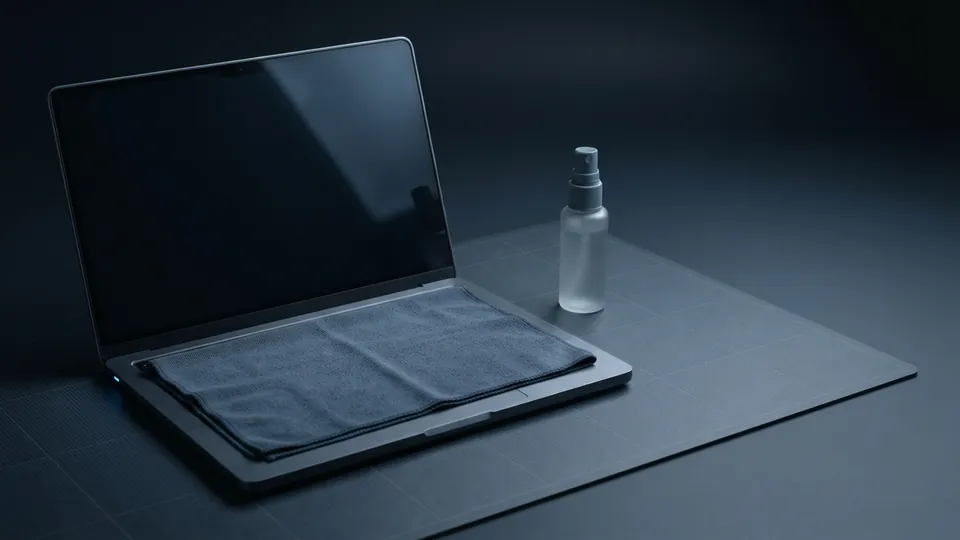
Quick answer
Turn the laptop off, wipe the screen with a dry microfibre cloth in one direction, then dampen (not wet) a second cloth with distilled water and wipe again in gentle straight strokes. Dry with the first cloth. Do not spray anything onto the screen itself.
On this page
What is safe and what is not
| Item | Screen | Keyboard and case | Why |
|---|---|---|---|
| Dry microfibre cloth | Safe | Safe | Lifts dust and oil without scratching |
| Distilled water, on the cloth | Safe | Safe | No minerals, so no streaks or spots |
| Tap water | Avoid | Fine | Minerals leave spots on the panel |
| 70 percent isopropyl alcohol | Only if the maker allows it | Safe | Can strip the anti-glare coating on matte screens |
| Glass cleaner with ammonia | Never | Avoid | Clouds and yellows the coating over time |
| Paper towels or tissues | Never | Fine | Wood fibres scratch the surface |
| Compressed air | Fine at a distance | Fine, short bursts | Blasts dust out of the keyboard; hold the can upright |
Clean the screen
Turn it off and unplug it
A dark screen shows smudges clearly and there is no risk of pressing keys or shorting anything.
Dry wipe first
Fold a clean microfibre cloth into a pad and wipe the screen in straight strokes from one side to the other. Circular scrubbing spreads oil around and can polish a matte coating into a shiny patch.
Damp wipe for fingerprints
Dampen a second cloth with distilled water so it is barely moist, wring it out, and wipe again in the same direction. For stubborn grease, add a single drop of unscented dish soap to a cup of distilled water. Never spray liquid at the screen; it runs into the bezel and behind the panel.
Dry and check
Buff lightly with the dry cloth and look at the screen from an angle in good light. Repeat the damp wipe on any streaks.
Clean the keyboard and touchpad
With the laptop off, tilt it to about 75 degrees and blow between the keys with short bursts of compressed air, working from top to bottom so debris falls out rather than deeper in. Wipe the keys and touchpad with a microfibre cloth lightly dampened with 70 percent isopropyl alcohol; this is the one place alcohol is appropriate, because keys carry the most bacteria and the plastic tolerates it. Do not pull keys off a laptop keyboard to clean under them unless the maker documents how; the scissor mechanisms are fragile and easy to break.
Clean the case and vents
The lid and palm rest take the same alcohol-dampened cloth. Metal cases can develop a dull patch where your wrists rest; a little more pressure with the alcohol cloth removes the oil that causes it. The vents deserve attention every few months: dust on the intake grille makes the fan work harder and the laptop run hotter. Hold the laptop with the intake facing down and blow across (not into) the grille so dust leaves rather than compacts onto the fan. If the laptop is more than three years old and still runs hot after this, the heatsink fins inside probably need cleaning, which is a job for someone comfortable opening the case.
Household products that work, and ones that ruin screens
The old advice about cleaning laptops with household products is half right. Distilled water from the supermarket, a drop of dish soap and a microfibre cloth are all household items and are exactly right. Everything else in the cleaning cupboard is wrong for the screen: glass cleaner, all-purpose spray, disinfectant wipes, vinegar and baking soda all attack the anti-reflective coating or leave residue. If a wipe is labelled for electronics or screens and lists only water and mild surfactant, it is fine; if it lists alcohol or fragrance, keep it for the keyboard.
This guide belongs to the laptop care and maintenance guides. Cleaning the vents is half of keeping a laptop cool, and the evidence on laptop overheating and safety explains the rest. While the machine is off and clean, it is also a good time to check the battery care habits that extend its life.
Common questions
Can I use alcohol wipes on a laptop screen?
Only if the manufacturer's care guide says so. Glossy glass-fronted screens tolerate 70 percent isopropyl; matte anti-glare coatings often do not, and damage shows up as a permanently shiny patch.
How do I get streaks off a laptop screen?
Streaks are dried residue. Wipe with a cloth dampened in distilled water, then immediately buff dry with a second clean microfibre cloth in straight strokes.
Is it safe to use a screen-cleaning spray?
Sprays sold for screens are usually water and a mild surfactant and are fine, but spray the cloth, never the screen.
How often should I clean a laptop?
Screen and keyboard whenever they look grubby; vents every three months or so, more often with pets or carpet.
What about a touchscreen laptop?
Same method. Touchscreens are usually glass-fronted, which is more forgiving, but the coating that resists fingerprints still dislikes alcohol and pressure.
Sources
- Apple Support: How to clean your Apple products: manufacturer cleaning guidance, soft lint-free cloth and no sprays on the display.
- Lenovo: How to Clean Your Laptop Screen: microfibre cloth and distilled water method.
- HP: How To Clean Your Laptop: cleaning keyboard, vents and case with compressed air and isopropyl alcohol.
- Dell: How to Clean a Computer Screen Safely: avoiding household glass cleaners and excess pressure on screens.