Laptop Care7 guides
Laptop Care and Maintenance Guides
Cleaning, cooling, posture, batteries and backups. The small habits that decide whether a laptop is pleasant to use in year one and still working in year five.
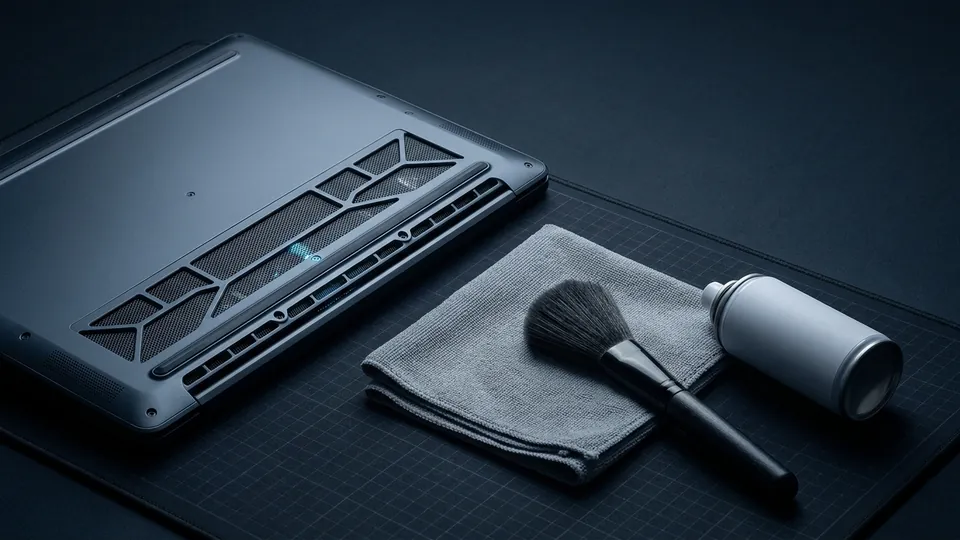
Most laptops are not killed by hardware failure. They are killed by dust that turns a quiet machine into a hot, throttling one, by batteries left at full charge on a warm desk for two years, by a screen cleaned with glass spray, and by a single copy of the only files that mattered. Every guide in this section addresses one of those slow failures with a method that takes minutes and costs little or nothing.
The section also carries the health and safety questions that the original site covered in its news years and that still bring readers here: is there such a thing as laptop radiation, can a laptop cause cancer, why did some batteries catch fire, and what the various laptop positions people adopt on sofas actually do to a neck. Those pages summarise the published evidence in plain language and end with the practical habits that matter, without either alarm or dismissal.
The cleaning guide is the direct descendant of one of the site's best known pages, on cleaning laptops with household products. The advice has been tightened: which household items are safe (distilled water, a drop of dish soap, microfibre), which are not (glass cleaner, paper towels, alcohol on matte coatings), and why. The posture guide replaces a 2009 joke post about laptop positions with a real ergonomics setup. The backup guide turns the site's old list of embarrassing data losses into a 30-minute plan that prevents them.
None of these pages sell anything. Where a product category is genuinely useful (a laptop stand, an external drive, a microfibre cloth) the guide says what to look for and leaves the choice of brand to you.
Looking after a laptop now includes looking after what its software sends away. AI writing tools and laptop privacy sorts the assistants, extensions and built-in features on a typical machine by whether your text leaves it, with a fifteen-minute checklist for tightening the settings.
All laptop care guides
Every page in this section, with its key facts beside the title. The first entry is the one most people come here for.
How to Clean a Laptop Screen Properly
A laptop screen is a plastic-coated panel, not a window.
Laptop Overheating, Radiation and Safety: What the Evidence Says
Between 2009 and 2011 this site ran several posts on laptop health scares: radiation, cancer, batteries catching fire, screen glare.
Laptop Posture: How to Use a Laptop Without Wrecking Your Neck
In 2009 this site ran a joke post cataloguing the positions people contort themselves into with a laptop.
Laptop Backup: The 3-2-1 Rule and the Data Losses That Taught It
Every laptop drive will fail, be stolen, or meet a coffee eventually.
Laptop Battery Life: How to Make a Battery Last Longer
Two different things get called battery life: how long a charge lasts today, and how many years the battery stays useful.
AI Writing Tools and Your Laptop: What Leaves the Machine
Every AI writing feature on a laptop sits somewhere between two extremes.
Local Backups as an Authorship Record
A backup exists to get files back after a spill or a theft.