Authorship11 guides
Your Laptop as the Authorship Record
Most of the evidence that you wrote something is already on your laptop: saved versions, file dates, backup snapshots and camera data. These guides show where each record lives, how to read it, and how to present it when someone asks.
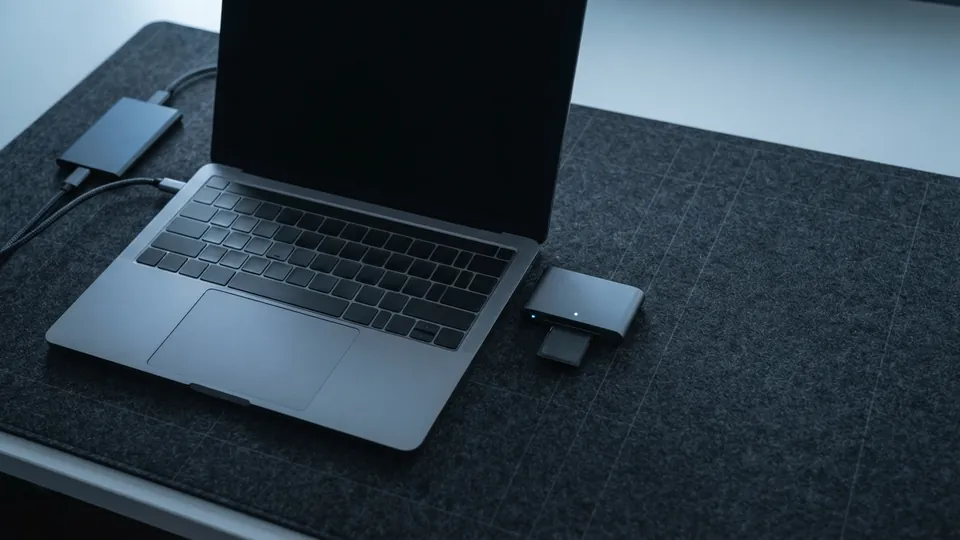
An authorship record is the set of traces a piece of work leaves behind as it is made: the versions a document passed through, the dates the files carry, the copies a backup drive kept along the way, and for a photograph, the data the camera wrote at the moment of capture. None of it is a certificate. Together it shows the shape of real work, which is a start, growth, revision and a finish, and that shape is very hard to invent after the fact.
A laptop keeps most of this without being asked. Cloud document editors record every save with a server-side time. Windows and macOS stamp every file with created and modified dates and, when a backup is switched on, copy the whole documents folder to a drive on a schedule. Cameras and some editing apps write a signed history into the image file. The record is already there; what people lack is the habit of switching on the parts that are optional, and the knowledge of how to read the parts that are not.
Read the guides in the order below. Start with keeping version history of your drafts, because it is the spine of the whole record and the one thing that has to be switched on before the work begins. Then read how to prove when a file was created, which explains what the created, modified and accessed dates on a file actually mean, why a copy or a cloud sync changes some of them, and which records corroborate the date that matters. Follow that with checking whether a file has been altered, which uses a hash to settle whether two copies are identical and a document compare to find out what changed when they are not.
The fourth guide moves off the document and onto the drive. Local backups as an authorship record shows how File History on Windows and Time Machine on a Mac keep dated snapshots of a project folder, how to read a snapshot's date, what retention setting to choose, and how to restore a version for a reviewer without disturbing the original. It sits in the laptop care section because the drive it needs is the same one every laptop should have for ordinary data loss.
Photographs have their own record. Checking a photo's metadata before sharing covers the EXIF data a camera writes, including the capture time and the software that last saved the file, and how to strip it when privacy matters more than provenance. Checking an image's Content Credentials covers the newer signed history that some cameras and apps attach, what a valid credential proves, and why a missing one proves nothing at all.
Two guides deal with the moment someone asks. Showing your writing process after an AI detector flag walks through gathering the history, the drafts and the notes and presenting them calmly. Disclosing AI writing help at school and work covers the other side of the same conversation: finding the policy that applies to you, saying plainly what help you used, and citing it where a citation is expected. A good record makes both easier, because there is something concrete to point at.
Three explainers give the background. How AI writing detectors work shows that a detector estimates how predictable a text is and turns that estimate into a score. AI text watermarking explained covers the separate idea of a statistical signal planted in generated text, what a watermark test can support, and why editing weakens it. Plagiarism checkers versus AI detectors explains why a similarity report and an AI score measure different things and why they so often disagree.
One principle runs through all of it. A detector score is never a verdict. It is an estimate produced by a tool with known error rates, and the fair response to one is to look at the record of how the work was made. Everything on this page exists so that when the question comes, the record is already there, on the laptop, in the order it happened.
All authorship record guides
In reading order: keep the record, prove the dates, check for changes, then the checks other people run on your work.
How to Keep Version History of Your Drafts
The most convincing evidence that you wrote something is the record of you writing it: dozens of saved states, hours apart, showing a draft growing, changing direction and being corrected.
How to Prove When a File Was Created
Every laptop stamps a file with dates, but the dates answer different questions, and some of them change the moment you copy the file to a USB stick or let a cloud folder sync it.
How to Check Whether a File Has Been Altered
You have two copies of a file, or one copy and a memory of what it used to say, and you need to know whether anything changed.
Local Backups as an Authorship Record
A backup exists to get files back after a spill or a theft.
How to Check a Photo's Metadata Before Sharing It
A photo carries more than the picture.
How to Check an Image's Content Credentials (C2PA)
Some cameras, phones, editing apps and image generators now attach Content Credentials to the files they produce: a signed record of where the image came from and what was done to it.
Flagged by an AI Detector? How to Show Your Writing Process
Being told that a detector thinks your essay or report was machine-written is unsettling, especially when you wrote every word.
How to Disclose AI Writing Help at School and Work
Using an AI tool to brainstorm, check grammar or tidy a paragraph is allowed in many classes and workplaces, and banned in others.
How AI Writing Detectors Work, and How to Read a Score
AI writing detectors do not look for a hidden signature.
AI Text Watermarking Explained: What It Can and Cannot Prove
A watermark in AI-generated text is not a hidden word or an invisible character.
Plagiarism Checkers vs AI Detectors: How to Read Both Reports
Many schools and publishers now run submitted writing through two different tools and hand back two different numbers.
Common questions
What counts as an authorship record?
Any dated trace of the work being made that you did not have to create by hand: version history inside a document, the created and modified dates on files, backup snapshots on a drive, the camera data inside a photo, and sent email carrying an attachment. The more of these that agree, the stronger the record.
Which guide should I read first?
The version history guide. It is the one part of the record that must be switched on before you start writing, and everything else corroborates it. If you are already being asked about a piece of work, go straight to the guide on showing your writing process after a flag.
Does any of this prove I did not use AI?
No single record does. What the set shows is how a document developed: when it began, how it changed and how long it took. That is what a fair reviewer wants to see, and it is far more informative than a detector score, which is an estimate rather than a finding.
Do I need any special software?
No. Everything here uses what Windows, macOS and common writing apps already include: version history, file properties, File History or Time Machine, a hash command in the terminal, and a public web page for reading Content Credentials. The only purchase is an external drive for backups.